Do I need to choose a structure before writing?
No. You can write immediately and organize later with links, tags, and filters.
As connected as Notion, as fast as Apple Notes.
You don't need to build structure before you capture a thought.
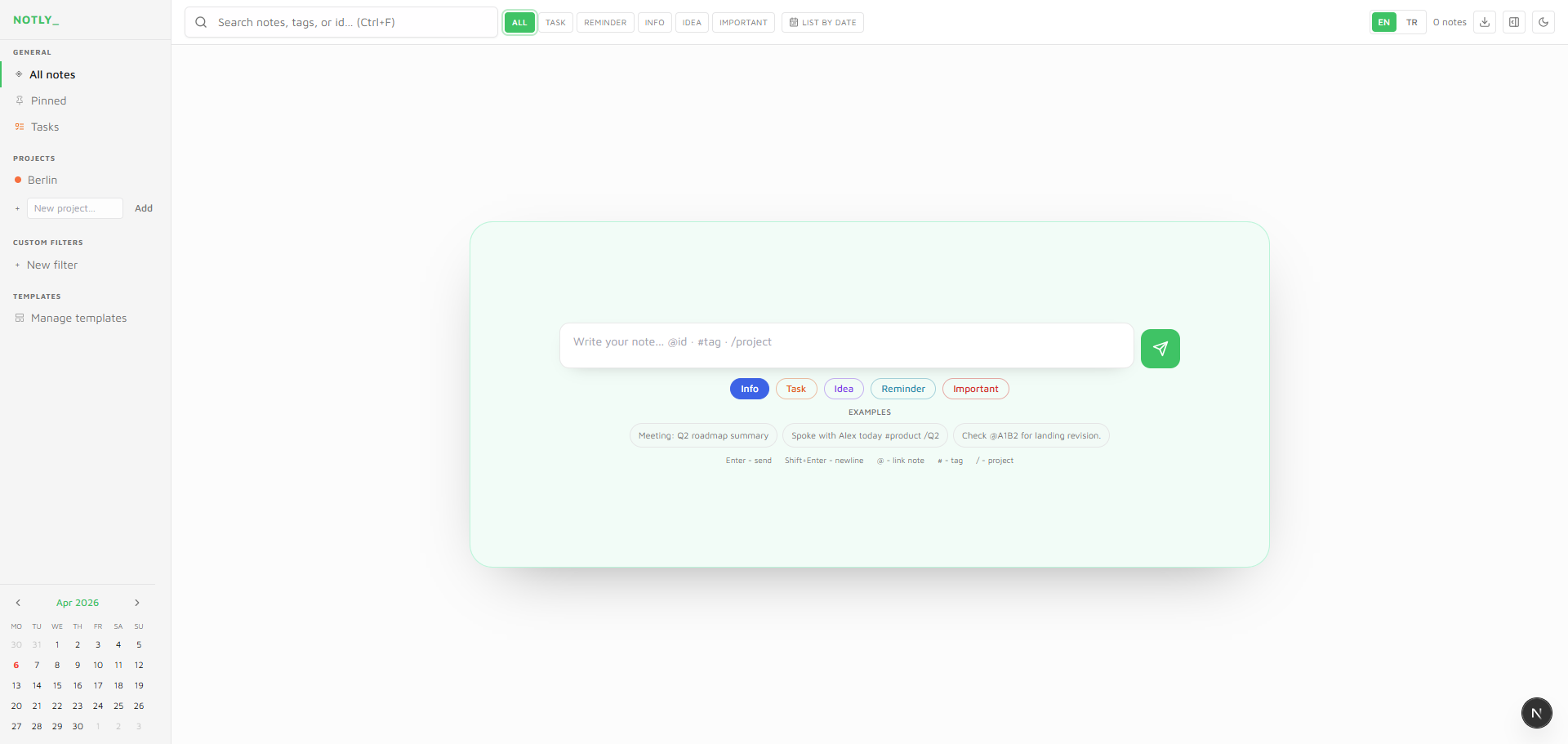
When an idea passes by, there's no time to stop and build structure first.
You don't pick a folder, template, or category before you write. Capture first - the system handles the rest. Your flow never breaks.
Link note-to-note with @id, group with #tags, and route with /projects. The backlink panel traces every link backward.
Local in your browser, Cloud across devices, Team with your crew. One app, three scales.
Backlinks, mentions, recurring tasks, and five note types in one calm workspace.
See how ideas connect without manual linking gymnastics.
Type @id — autocomplete bridges notes instantly.
Slice your library with saved views that stay fast.
Set recurring tasks and timely reminders without extra setup.
Structure without rigidity — from quick captures to deep docs.
Combine type, tag, project, priority, and status with AND logic. Saved filters stay in the sidebar.
Three steps to keep momentum while your structure forms in the background.
Type in the input, press Enter. No picking type, folder, or template first.
Link with @, group with #, add to projects with /. Autocomplete speeds everything up.
The backlink panel shows the network. Thread view shows the full history. Mini calendar tracks due dates and reminders.
Sample quotes for layout preview — not customer claims.
“Finally something that feels fast but still links the way my brain does.”
“The recurring tasks on notes alone saved our weekly rituals.”
“Clean UI, no noise — I open it every morning.”
Placeholder tiers for this preview layout.
Side by side with competitors
| Feature | Notly | Notion | Todoist | Apple Notes | Obsidian |
|---|---|---|---|---|---|
| Fast capture (zero setup) | ✓ | ✗ | △ | ✓ | ✗ |
| Note-to-note links | ✓ | △ | ✗ | ✗ | ✓ |
| Backlink panel | ✓ | ✗ | ✗ | ✗ | ✓ |
| Task management | ✓ | △ | ✓ | ✗ | ✗ |
| Team collaboration | ✓ | ✓ | △ | ✗ | ✗ |
| AI features | ✓ | △ | ✗ | ✗ | ✗ |
| Free tier (full features) | ✓ | △ | △ | ✓ | ✓ |
| Learning curve | Low | High | Medium | Low | High |
✓ Full · △ Partial · ✗ None
Quick answers before you start.
No. You can write immediately and organize later with links, tags, and filters.
Saved filters stay in the sidebar so you can reopen your exact view anytime.
On Local, your data stays in your browser. On Cloud, your data is stored securely and synced across devices.
The Local plan is free forever. Cloud and Team offer paid capabilities.
Yes. With Cloud, your notes sync across your devices.
Yes. You can export your notes as JSON and Markdown.